Launchpad
Launch your token
One transaction deploys your token, creates a 1% Uniswap V3 pool, and locks the liquidity forever. You keep 100% of the trading fees.
Two Ways to Boost Your Volume
Let our team run it for you, or do it yourself in a few taps on Telegram.
Hands-off. Enter your token and target, pick your pool, and we’ll show you exactly how much to send. Transfer it to the wallet we generate — or pay directly with your Phantom / MetaMask wallet — and our team runs the full volume session for you.
Minimum order value: $50
Your order is ready
Send to book your boost volume session.
Reference
Pay with your wallet:
Send exactly to this address:
Payment received!
Our team will start your session shortly and reach out on Telegram.
Questions? @openliquid_support
Run it yourself in a few taps. Open the bot and follow these steps:
- 1
Open the bot
Start OpenLiquidBot on Telegram and open the main menu.
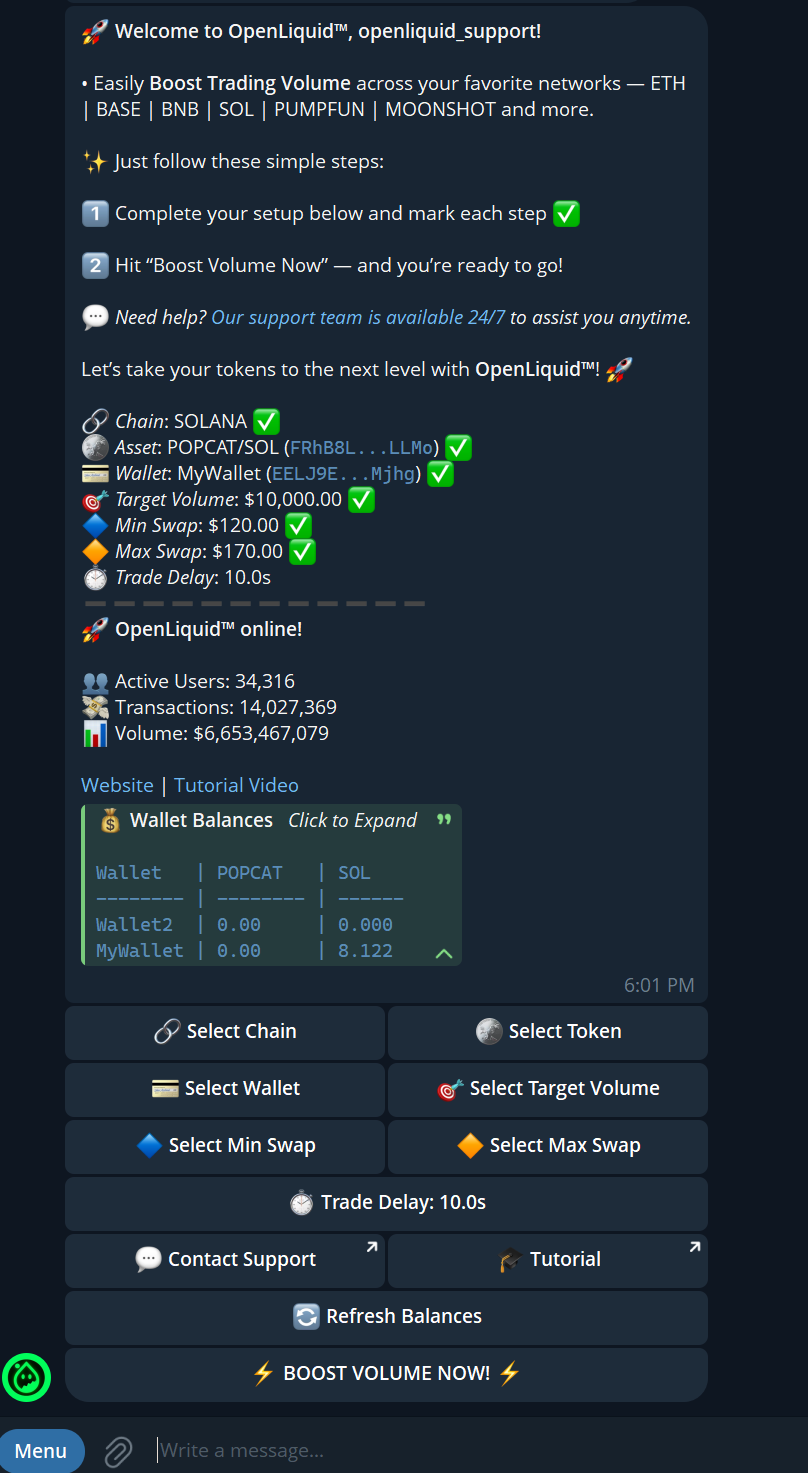
- 2
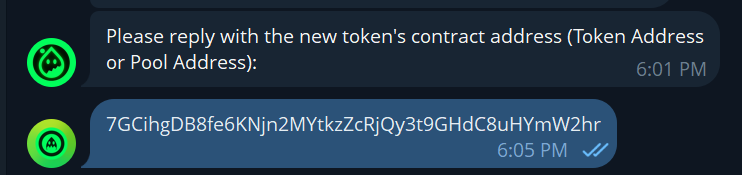
Choose your token (1/2)
Select your chain and paste your token contract address.
- 3
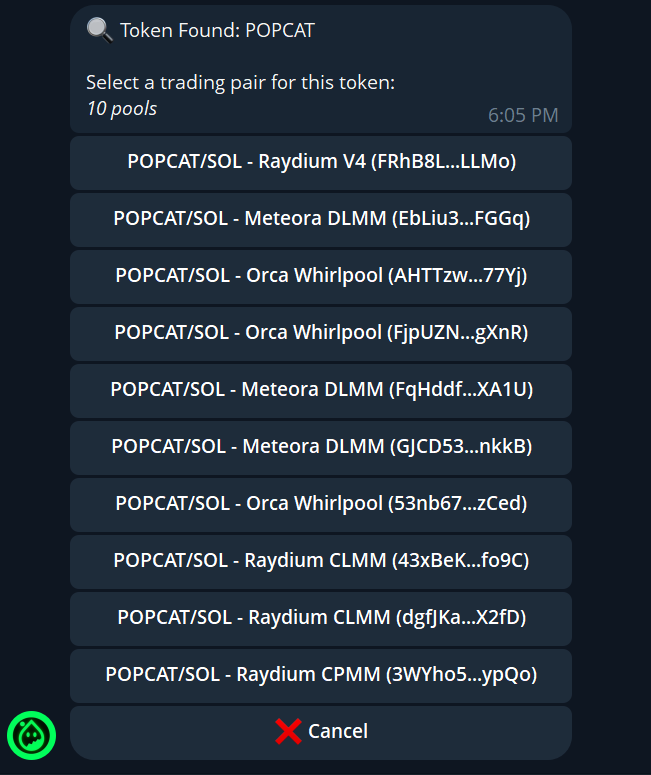
Confirm your token (2/2)
The bot detects your pool — confirm it’s the right token.
- 4
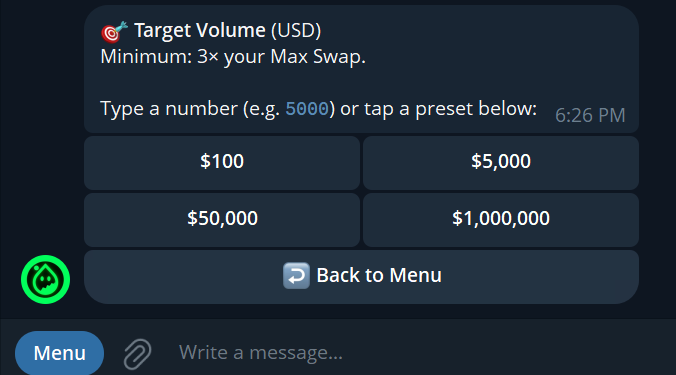
Set your target volume
Choose how much 24h trading volume you want to generate.
- 5
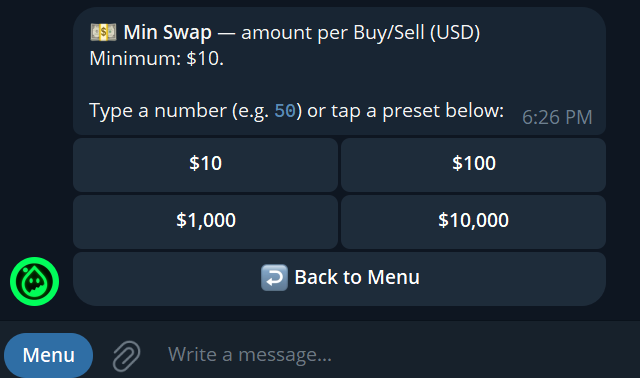
Set minimum swap size
Set the smallest trade size for natural-looking activity.
- 6
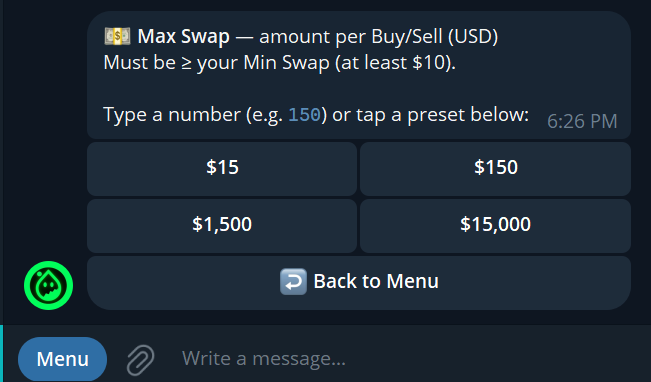
Set maximum swap size
Set the largest trade size — varying it avoids uniform patterns.
- 7
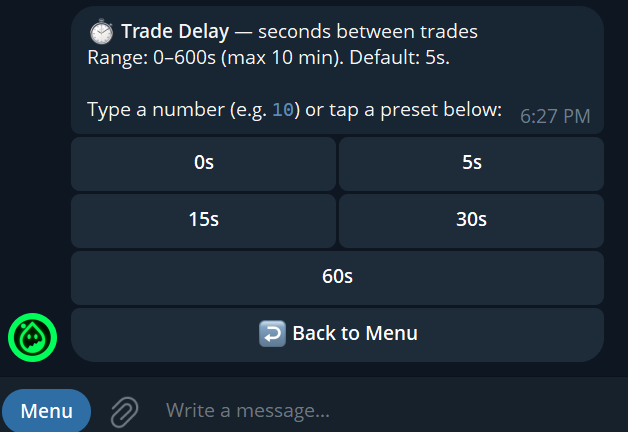
Set delay between trades
Choose the interval between trades, then start your session.